Technical Reference · LAPTOP-TABLET
Laptop / Tablet eDP
Custom eDP Cable Assemblies for Laptop and Tablet Programs
For compact internal-display paths where bend space, route fit, and revision control matter early
EDPcable supports custom eDP cable assemblies for laptops, tablets, 2-in-1 devices, and other compact display products that need a stable internal-display path. In these projects, the main issue is usually not whether the harness can be built, but whether connector fit, route geometry, bend zones, fixing logic, and revision scope all align with the real product layout.
Quick Links
QUICK ACCESSStart with the sections closest to the project structure, interface requirements, and validation scope.
Laptop / Tablet eDP Product Overview
Laptop and tablet eDP programs work best when the product context is already clear and the next review can focus on route fit, bend space, local clearance, and revision scope. Before sampling, confirm connector references, pin mapping, route path, bend zones, and version boundaries together so the review stays tied to one released basis.
| NO | Item | Typical Range or Meaning |
|---|---|---|
| 01 | Common Use | Laptops, tablets, 2-in-1 systems, compact display terminals |
| 02 | Key Inputs | Connector references, pin mapping, route path, bend zones, revision scope |
| 03 | Engineering Focus | Compact routing, hinge-adjacent bends, fixing logic, local clearance |
| 04 | Quality Focus | Stable termination, repeatable routing, version-linked records |
| 05 | Release Basis | Connector path, bend-space notes, installation limits, and revision-controlled records |
Customer Pain Points
Laptop and tablet eDP projects often sound straightforward because the product category is already known. In real RFQ and sample work, the bigger delays usually come from route geometry, bend zones, local clearance, and revision control rather than from the interface label alone.
| NO | Customer Pain Point | Typical Risk | What Needs Early Confirmation |
|---|---|---|---|
| 01 | Product design issues | The route path, bend zone, or first exit direction does not truly fit the device structure, so the sample only becomes a temporary reference | Installation space, connector direction, bend zones, and fixing logic |
| 02 | Product quality issues | The sample fits once, but route execution or local structure consistency drifts across batches | Structure definition, quality focus, and revision linkage |
| 03 | Lead-time issues | Product boundaries keep moving, so samples loop too many times and timing slips | Revision freeze point, route conditions, quantity, and delivery rhythm |
| 04 | After-sales issues | It becomes difficult to tell whether the issue came from structure, revision, or installation conditions | Drawing files, sample approval records, batch labels, and shipment records |
| 05 | Complaint-handling issues | Shared use across versions stays unclear, so issue tracing remains slow | Version scope, replacement relationships, and inspection records |
| 06 | Pricing issues | A vague compact-device scope creates repeated pricing changes and weak cost control | Connector references, structure complexity, quantity, and timing |
Product Applications
Laptop and tablet eDP is not only an internal connector path. It usually appears in compact-device programs where route density, bend-space judgement, and revision control all matter. The five scenes below are the most common application contexts.
| NO | Application Scene | Scene Focus | Typical Concerns |
|---|---|---|---|
| 01 | Standard clamshell laptops | Hinge-adjacent routing stays most sensitive | Bend zones, tape positions, panel-side and board-side fit |
| 02 | 2-in-1 flip devices | The open-close path is more complex | Route allowance, first exit, fixing positions |
| 03 | Detachable tablets | The product is thinner and the route is shorter | Shortest valid path, connector direction, local stacking space |
| 04 | Rugged tablets | Use conditions are more demanding | Protection, fixing stability, repeated insertion or movement |
| 05 | Portable industrial terminals | Structure and delivery rhythm both remain flexible | Revision management, sample timing, batch consistency |
Application Scene Visuals
IMAGES · 05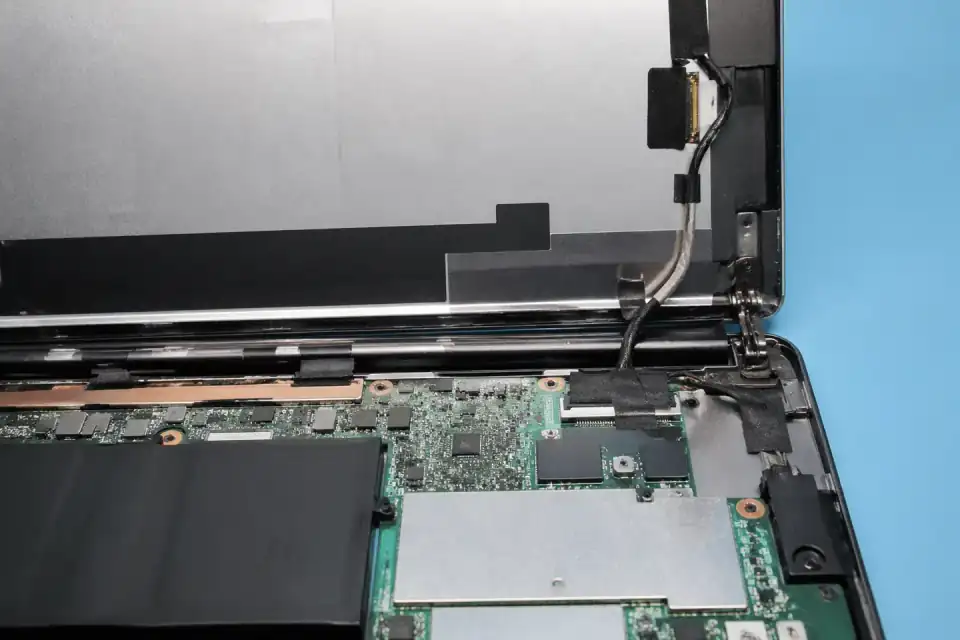
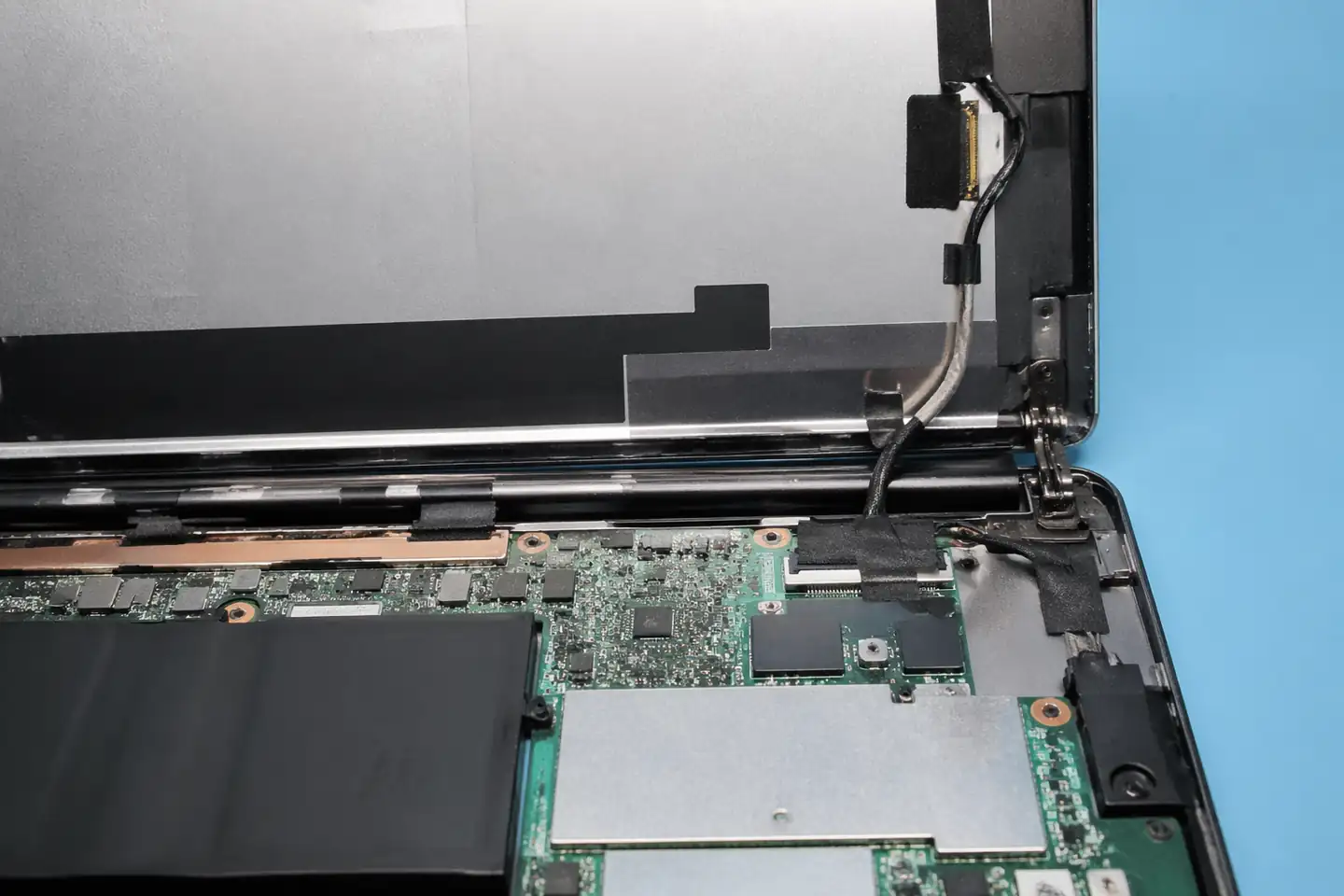
eDP route inside a standard laptop display hinge area
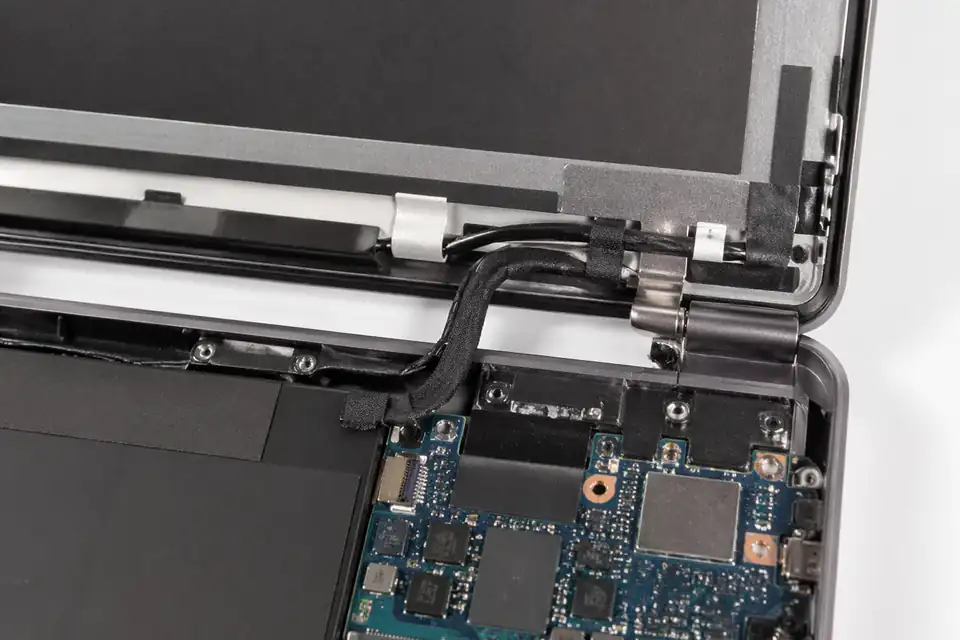
eDP route inside a 2-in-1 laptop with flip-structure cable allowance
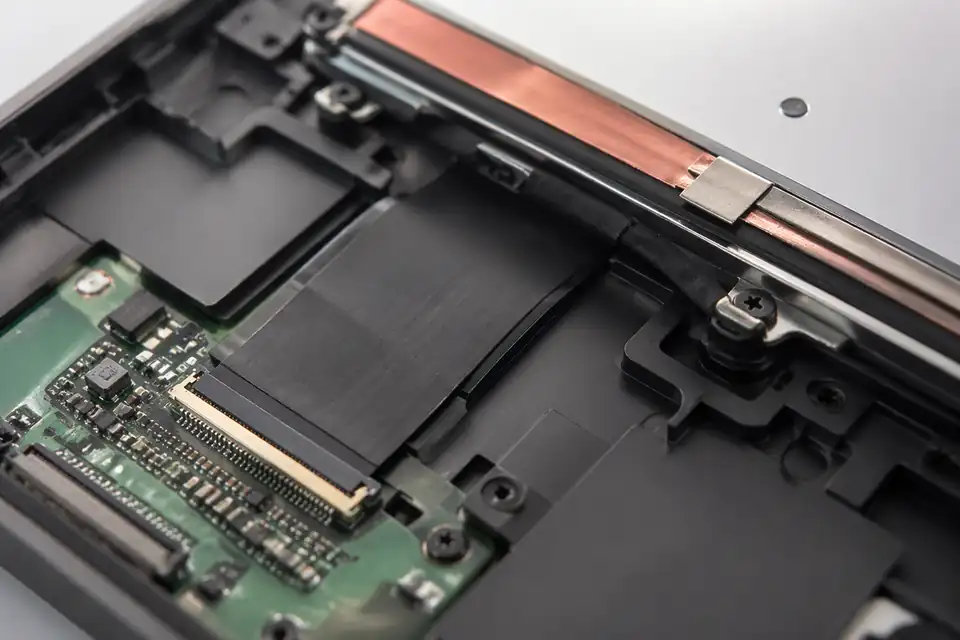
eDP route inside a detachable tablet with very thin internal display space
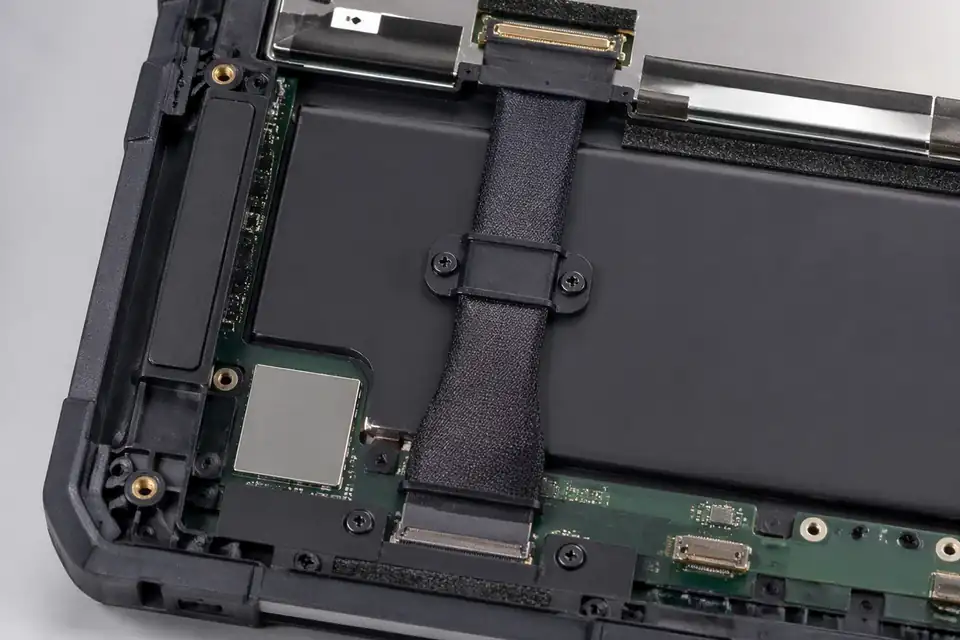
eDP route inside a rugged tablet with fixed protective internal routing
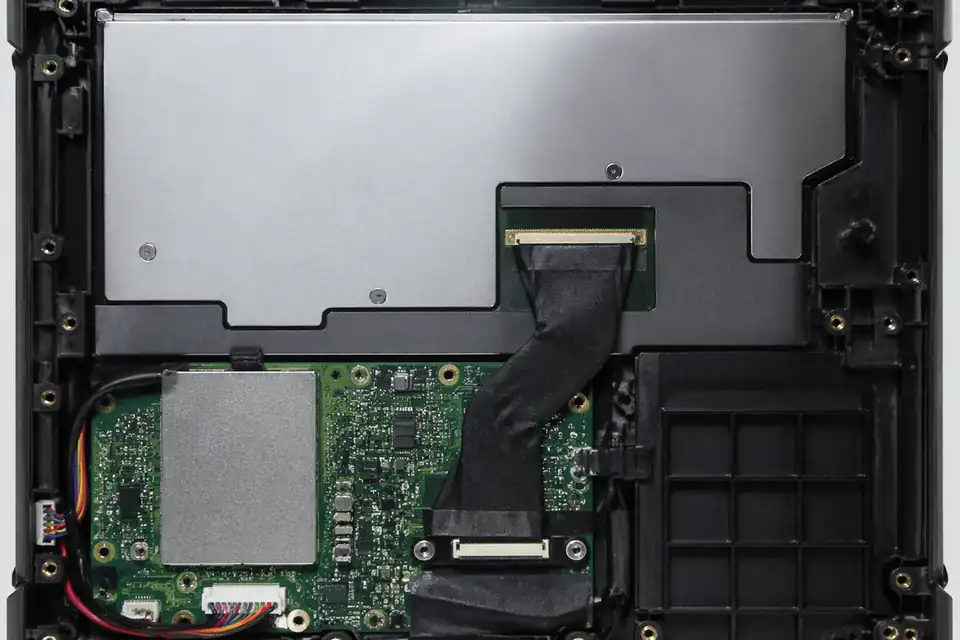
eDP route inside a portable industrial terminal with compact display layout
Build the eDP Harness Around the Mobile Stack
Laptop and tablet layouts make millimeters consequential. The cable definition should originate from the nominated panel, motherboard, hinge or fold mechanism, antenna placement, and final adhesive stack.
| NO | Packaging decision | Platform input | Controlled output |
|---|---|---|---|
| 01 | Panel connection | Exact display module and receptacle option | Matched plug with confirmed insertion direction |
| 02 | Motherboard landing | Connector location, rotation, and keep-outs | Tail geometry referenced to board datums |
| 03 | Hinge transit | Axis, sweep envelope, and motion allocation | Defined moving length and neutral route |
| 04 | Lid stack | Bezel, shield, camera, antenna, and adhesive layers | Thickness and crossing constraints on drawing |
| 05 | Electrical build | Released link mode and panel power definition | Net map and cable construction |
| 06 | Attachment plan | Tape types, positions, and assembly sequence | Repeatable restraint without local pinch |
| 07 | Model coverage | Chassis, panel, and board option matrix | Unique harness code for each valid combination |
First-Party Engineering References
- VESA Embedded DisplayPort Standard 1.5 announcement
Primary context for eDP in laptops and tablets; mechanical motion and platform settings require OEM definition.
Mobile-device Routing and Assembly Failure Review
The dominant risks are often introduced during lid assembly rather than cable fabrication, so failure analysis must preserve the installed route and fastening state.
| NO | Failure symptom | Potential installation cause | Preventive control |
|---|---|---|---|
| 01 | Image changes with lid angle | Moving length is pinched or torsionally constrained | Validate the complete hinge sweep |
| 02 | Cable print-through | Stack thickness exceeds the cosmetic allowance | Review layered cross-section before tooling |
| 03 | Antenna performance shift | Display harness crosses a protected antenna zone | Enforce radio keep-outs in route data |
| 04 | Connector backs out | Tail preload remains after bezel closure | Set neutral length and retention points |
| 05 | Variant-only assembly error | Common work instruction hides different panel orientations | Issue option-specific visual instructions |
Laptop and Tablet Release Sequence
Release evidence should cover both the electrical link and the closed-device mechanics, using the production adhesive, shields, covers, and option-specific components.
| NO | Release gate | Method | Evidence retained |
|---|---|---|---|
| 01 | Option identity | Scan panel, board, and harness part numbers | Valid configuration record |
| 02 | Closed-stack fit | Assemble the released lid and base components | No pinch, bulge, or interference |
| 03 | Motion evaluation | Cycle the defined hinge sequence and inspect route | No electrical interruption or visible damage |
| 04 | Display function | Run boot, sleep, wake, brightness, and mode cases | Each test case produces the display state and diagnostic result defined in the firmware-specific matrix |
| 05 | Wireless coexistence | Operate radios in the product compliance configuration | Radio KPIs, eDP error counts, and display behavior meet the limits in the platform test plan |
| 06 | Teardown review | Open samples after mechanical testing | Terminations and restraint points remain intact |
Engineering Capability
Engineering value comes from making compact-route and bend-space judgement clearer before release. Cross-family engineering review, drawing control, and documentation practice are covered in the Related Capability Pages below.
Engineering Capability
Review route path, bend zones, and local clearance together in the real device context.
Treat fixing logic and exit direction as part of the same release decision.
Check whether hinge motion, thin-space layout, or multiple screen versions change the route before sample approval.
Quality and Verification Highlights
Focus on repeatable route execution and bend control.
Watch connector tails, bend transitions, and retention points closely in compact builds.
Keep approved sample, inspection output, and batch labels tied to the same laptop or tablet route definition.
Evidence Chain
Sample Approval and Bend-Review Records
Use sample confirmation records and route-review notes to show whether the approved sample actually matches the bend zones, fixing positions, and installation conditions being quoted.
Hinge and Thin-Space Route Basis
Document the route path, first-exit direction, local clearance, and fixing materials that define the compact device build.
Display-Version Release Scope
Record whether several panels or screen versions can share one cable definition, or whether a separate route needs its own release.
Files and Batch Support
Laptop and tablet work has its own document layer around bend zones and installation boundaries. Cross-family file control, batch traceability, and certification practice are summarised in the Related Capability Pages.
Bend and installation-boundary records
Write the key bend zones, tape positions, and installation-space limits clearly enough that later structural differences can be traced back to the right layer of change.
Certifications / Records Visuals
IMAGES · 04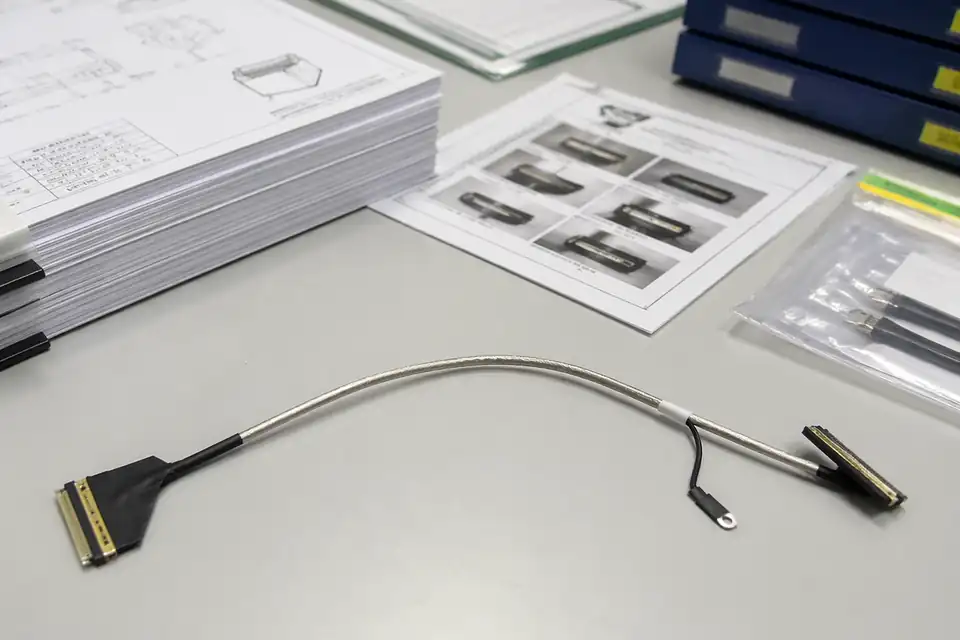
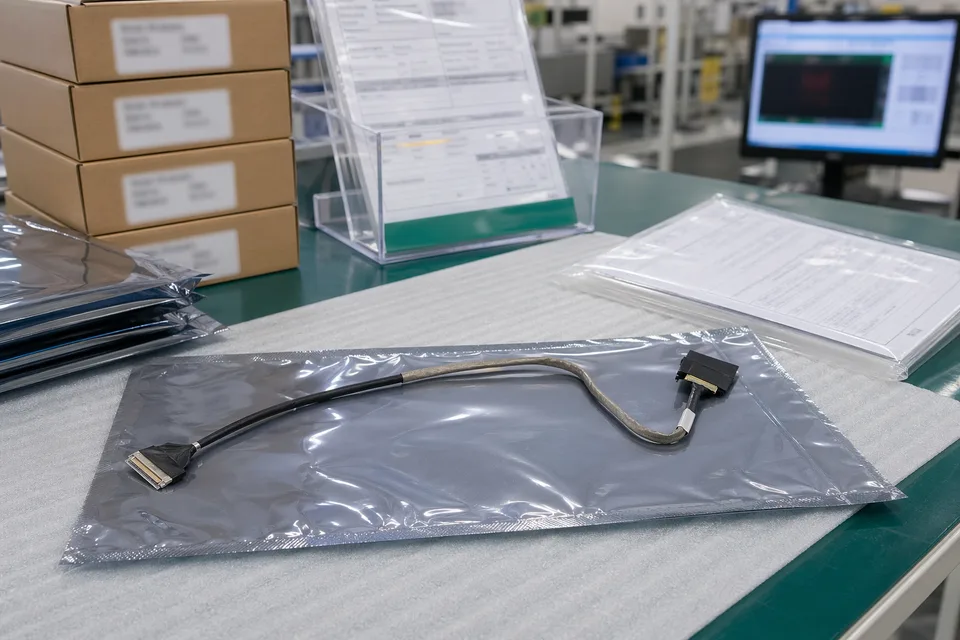
eDP cable assembly with document-control and sample-approval files
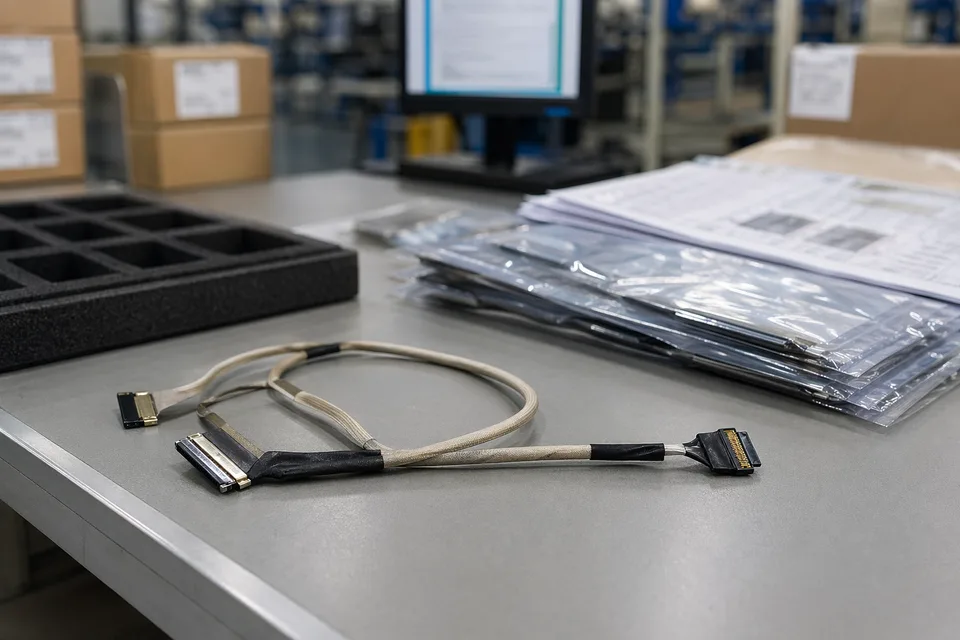
eDP controlled drawing and sample approval record scene with harness sample foreground
eDP revision traceability record with protected cable sample and controlled document sleeves
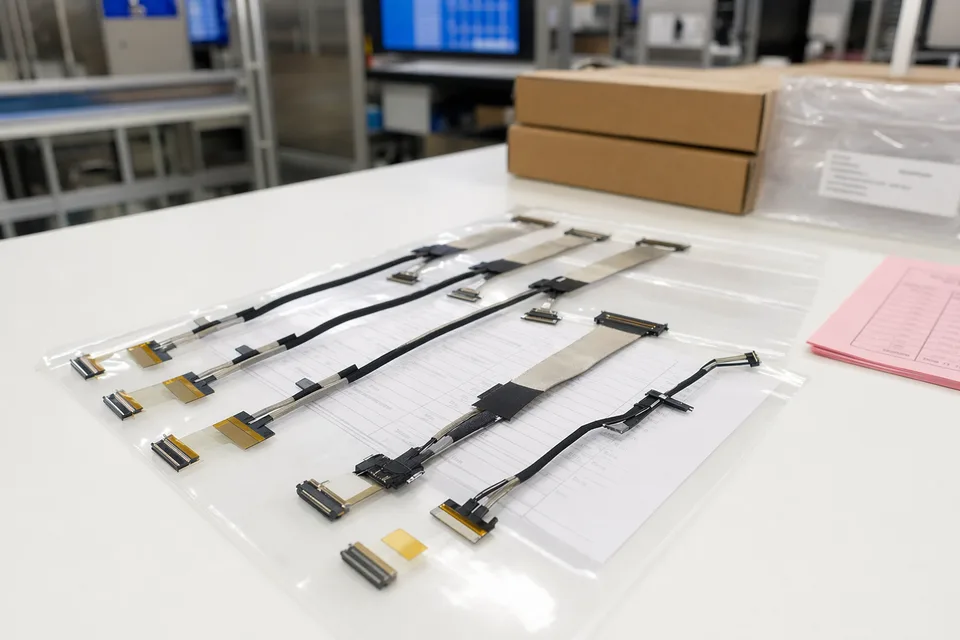
eDP batch release file scene with connector lot labels and display harness support context
FAQ
Can you review a laptop or tablet project from an old sample?
Yes. Old parts help, but the current route path, bend boundary, and platform revision still need to be checked before the sample can represent the released build.
What is the minimum input for a laptop / tablet eDP quotation?
Send connector references, pin mapping, route context, bend-zone notes, project stage, and expected quantity.
Why do compact eDP builds need more than a connector reference?
Because route path, bend space, and fixing logic often decide whether the harness truly fits the product.
Can one eDP cable serve several display versions?
Sometimes, but only if connector fit, route geometry, and revision scope stay inside the same approved definition.
Can review start before the full drawing package is finished?
Yes. Panel and motherboard part numbers, hinge geometry, antenna locations, and the adhesive stack are enough to expose early routing risks before the final mobile-device drawing is released.