eDP vs DP: start with the endpoints
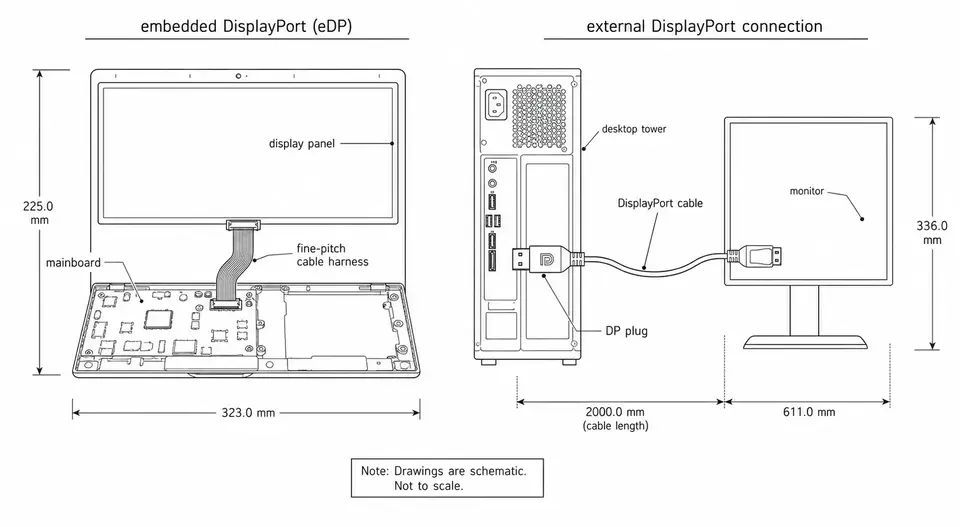
eDP is the embedded display interface normally used between a graphics source and an internal panel. External DisplayPort normally connects a source to a separate monitor. Neither a matching plug nor a shared interface name establishes a safe, working connection. Identify the source, sink and exact part numbers before selecting a cable.
VESA's eDP overview identifies internal-panel transport and embedded power-saving features. It is not a pin map for a particular panel.
Compare the connection you must build
| Decision | Internal eDP connection | External DisplayPort connection |
|---|---|---|
| Endpoints | Mainboard or embedded source and a specified panel | Source output and monitor input |
| Mechanical definition | Exact connector pair, pin-one view, cable exit and route | Defined external interface and suitable cable |
| Signal mapping | Verify lanes, polarity, AUX, HPD and grounds against both drawings | Follow the supported source, sink and cable configuration |
| Panel power | Identify required rails and sequence; power wiring depends on the platform | A bare panel needs its own documented power solution |
| Backlight | Determine the panel's control method and any separate driver | Monitor electronics normally manage the internal panel |
| Connection procedure | Follow the equipment's service and power-off instructions | Follow the external equipment's connection instructions |
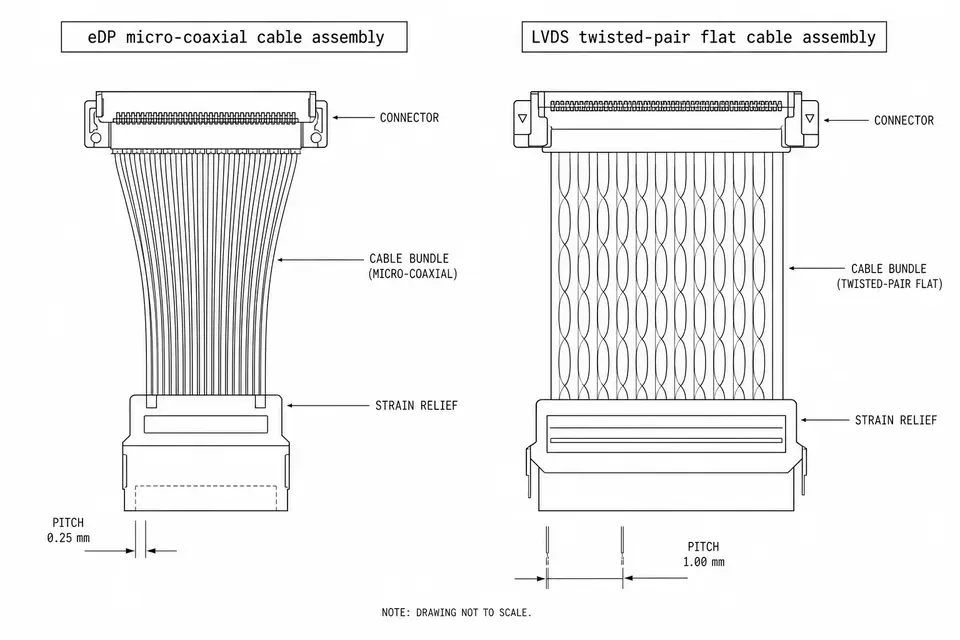
USB-C shape alone does not establish a DisplayPort output: confirm the port supports the required display mode. Do not treat all internal displays as eDP; identify the actual interface first. For a different internal signaling interface, see eDP vs LVDS.
Does DP to eDP always need a converter?
No. Distinguish signal routing from a protocol bridge, signal conditioning, and panel power/control circuitry. A design with compatible endpoints may route the main link and sidebands without a protocol-conversion IC; that is not approval to connect arbitrary boards.
TI's DP-to-eDP discussion addresses main-link/AUX/HPD mapping and separate backlight control. Apply it to a documented design, not every panel.
For a proposed adapter, write down which function each component performs. A connector breakout maps pins; it does not create an absent source capability or an omitted panel rail. A redriver addresses a channel requirement, not an unsupported video mode. A power/control board must meet the selected panel's requirements. The word “passive” on a listing does not resolve those checks.
Teledyne LeCroy's test-adapter datasheet separately identifies external panel power and backlight connections. Its test platform is an example, not evidence that its adapter fits your device.
Six checks before wiring or applying power
| Evidence to obtain | What to compare | Hold the design when |
|---|---|---|
| Source and panel identification | Exact model, revision and interface documents | Only “DP screen” or a connector photograph is available |
| Connector and pin map | Mating part numbers, pin-one view, lanes, grounds and sidebands | Pin count matches but assignments remain unknown |
| Supported link and video mode | Lane count, rates and the intended panel mode at both endpoints | The source cannot provide a panel-required configuration |
| Power and sequence | Required rails, return paths, enables and timing | A supply or timing requirement is being guessed |
| Backlight control | Driver ownership, enable and brightness-control method | Video wiring is defined but illumination control is missing |
| Assembly and system verification | Approved netlist, route, electrical checks and display bring-up plan | Continuity alone is being used as proof of full operation |
Do not infer a universal cable length, voltage, impedance tolerance or supported resolution from the letters eDP or DP. Put the applicable requirements and measurement conditions in the project drawing. Use 30-pin vs 40-pin checks for connector-count questions and impedance-control checks for channel verification.
Worked decision: a lane mismatch is not a cable change
Hypothetical documents specify a panel mode that requires four main-link lanes, while the chosen source exposes only two and offers no compatible alternative mode. Even if the connector can be mechanically fitted, adding conductors cannot create two more source lanes. Hold the harness release and resolve the source/panel configuration first. This example does not say every four-lane-capable panel requires four lanes in every mode.
After the interface is resolved, test the assembly against the approved pin map and electrical criteria, then verify link training, the intended image mode and brightness control on the actual source/panel pair. A continuity pass does not establish protocol operation or device compliance.
What to send with an internal-harness RFQ
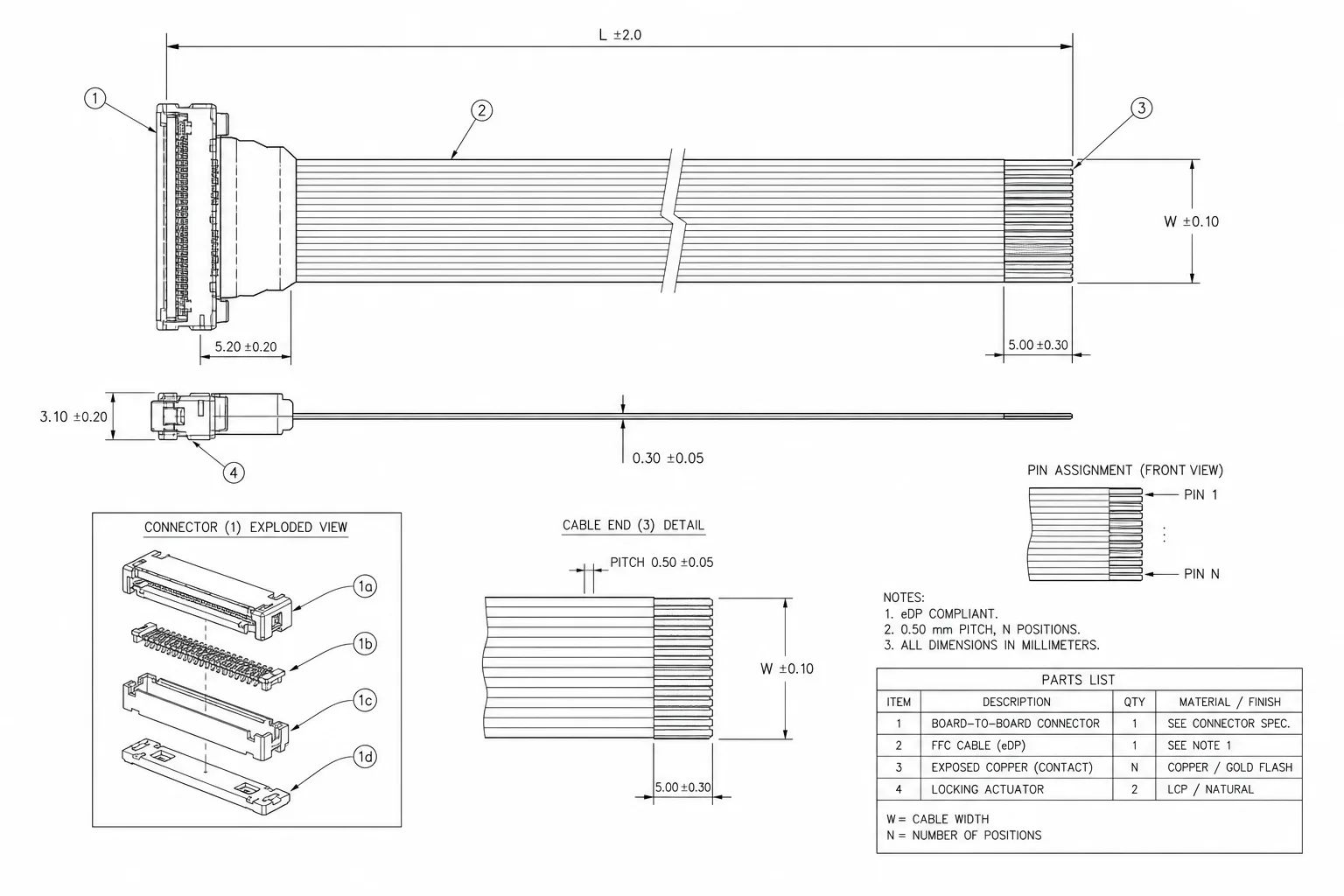
Send source and panel part numbers with revision-controlled interface documents, both connector part numbers, a pin-to-pin netlist, power/control requirements, route dimensions, bend and retention constraints, and the agreed acceptance plan. Mark unresolved items for engineering review rather than filling them with a generic “eDP cable” specification.
For the assembly scope, use eDP cable assemblies and laptop/tablet routing. What is an eDP cable? explains the internal harness; this comparison focuses on choosing endpoints and deciding what an adapter must actually do.